Video Examples
Turn prompt work into short fantasy videos.
This page shows how Auraveil prompts become video concepts, storyboards, narrated reels, and finished short-form content.
Finished Videos
Prompt-to-video example 01
Weak Skill Becomes Overpowered
This short shows how an Auraveil prompt can move from story concept to visual scenes, narration, captions, and a final vertical video.
Built from the Isekai Storyteller Pack concept: a rejected hero discovers that spoiled items remember what destroyed them.
Shop the Isekai Storyteller PackAnimated Concept Trailer
A faster visual teaser built from the same rot-reading Isekai concept. This version uses motion, on-screen text, music, and a final prompt to explore the pack.
Use it as a trailer-style example: short, visual, and easy to understand even with sound off.
Shop the Isekai Storyteller PackStoryboard Example 01
Weak Skill Becomes Overpowered
Prompt concept
A rejected isekai hero awakens with Spoiled Goods Inventory, a mocked skill that stores only ruined items. The hidden rule: every spoiled object remembers what destroyed it.
That makes the weakest hero the only person who can read the rot in the royal food supply and expose the assassination curse.
How the sequence works
This storyboard shows the source sequence behind the finished video above: prompt idea, scene beats, image generation, narration, edit, export.
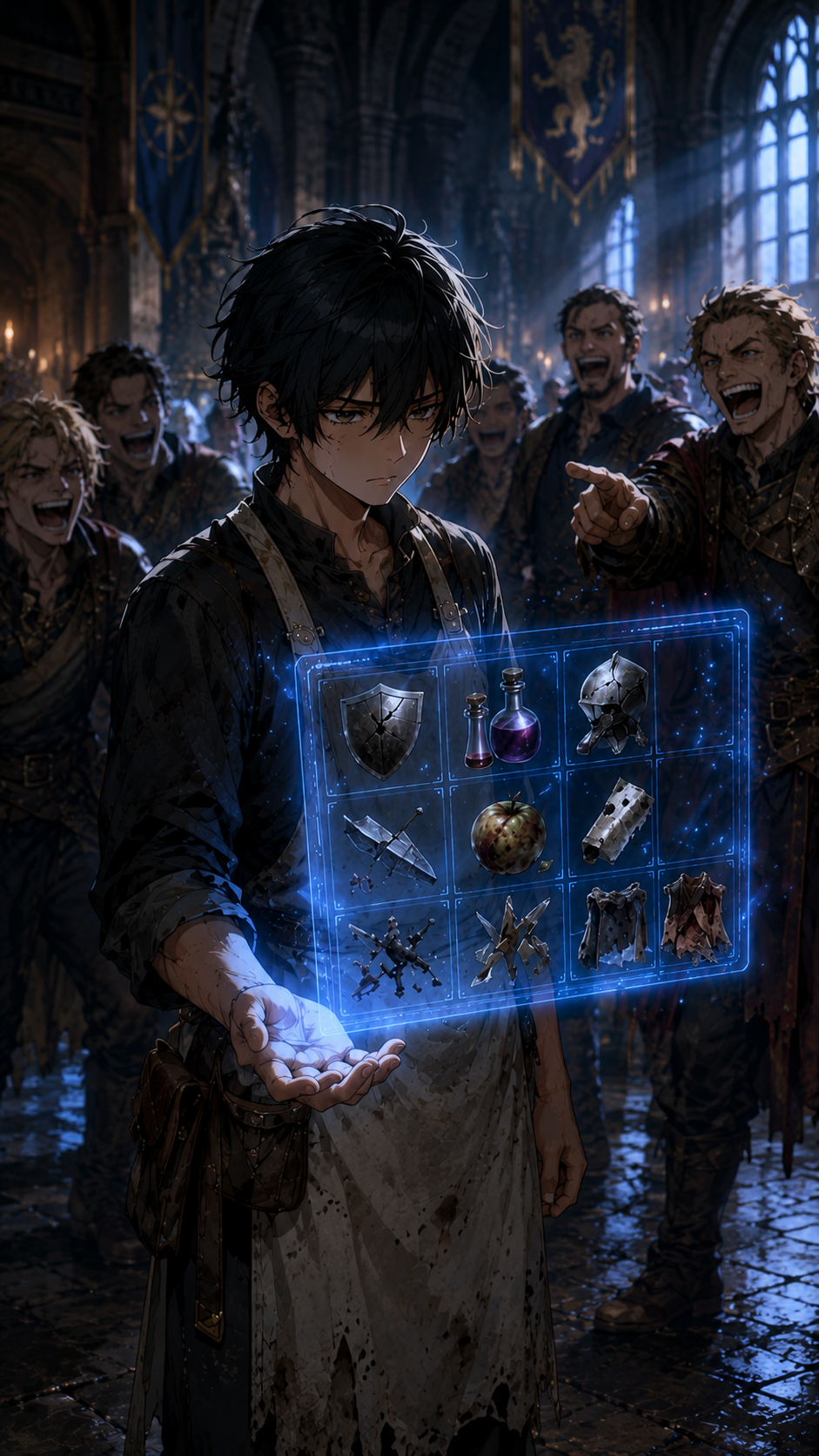
1. Weak skill reveal in the guild hall.
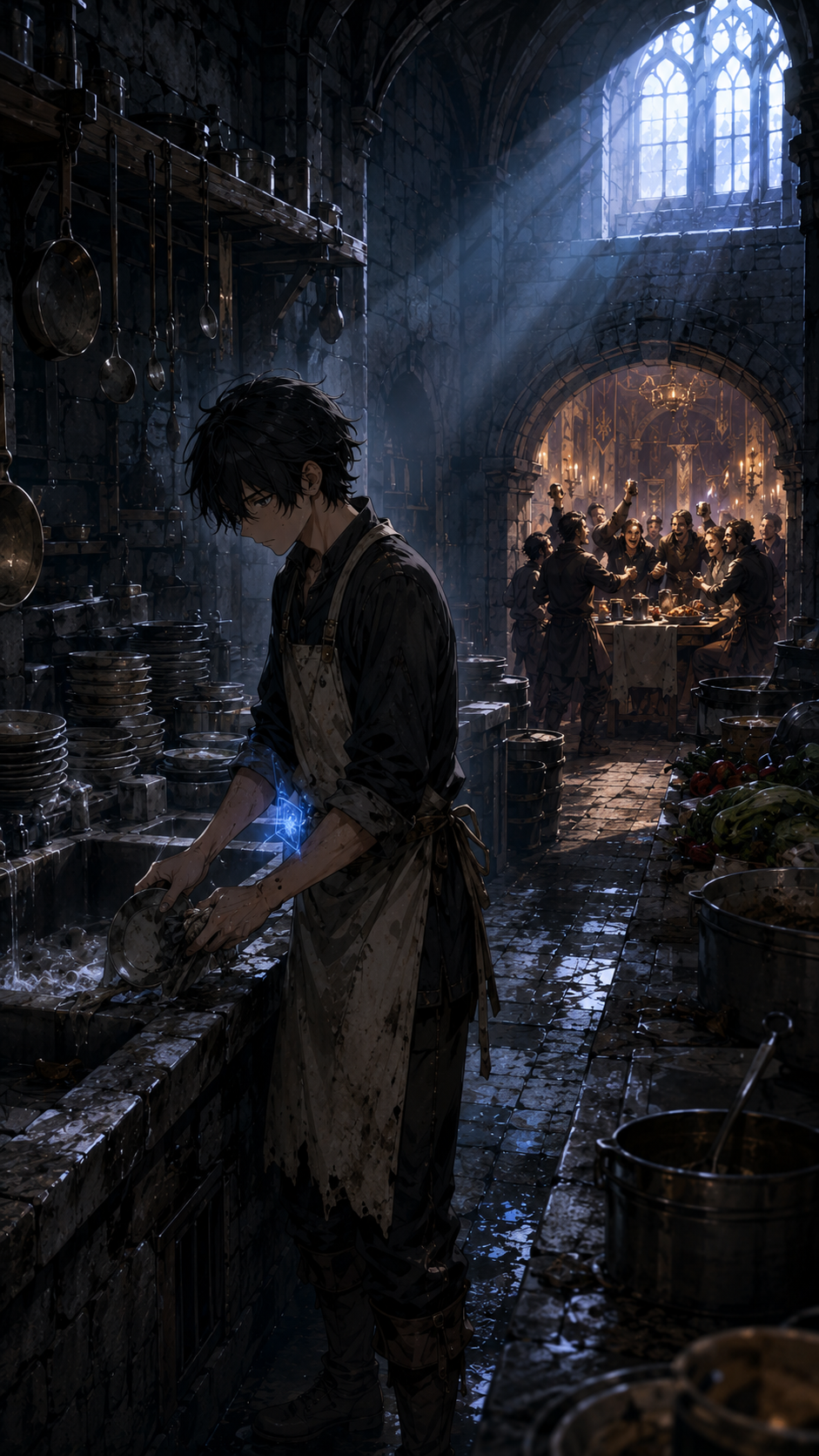
2. Rejected hero assigned to kitchen duty.
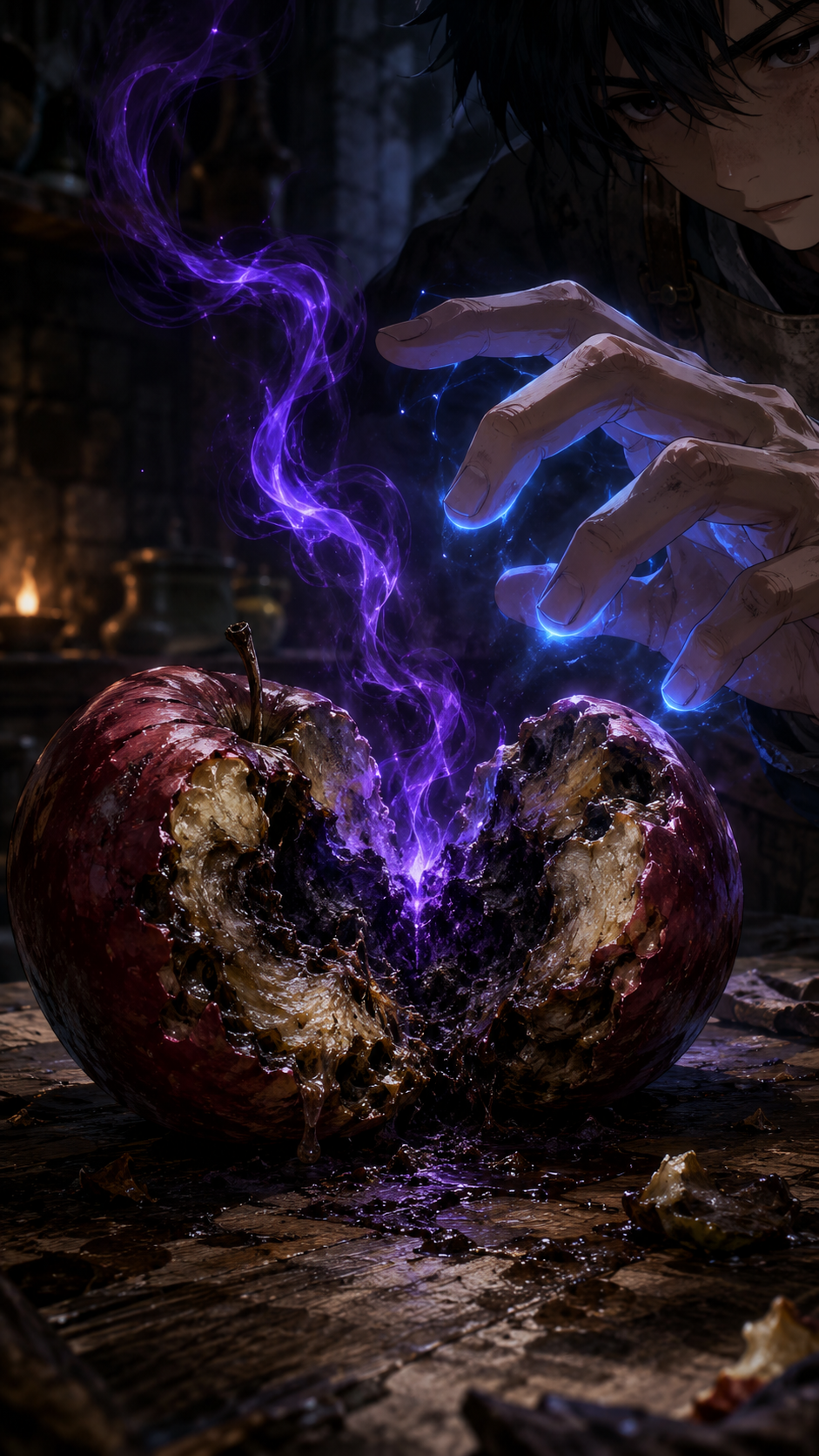
3. A rotten apple reveals curse magic.
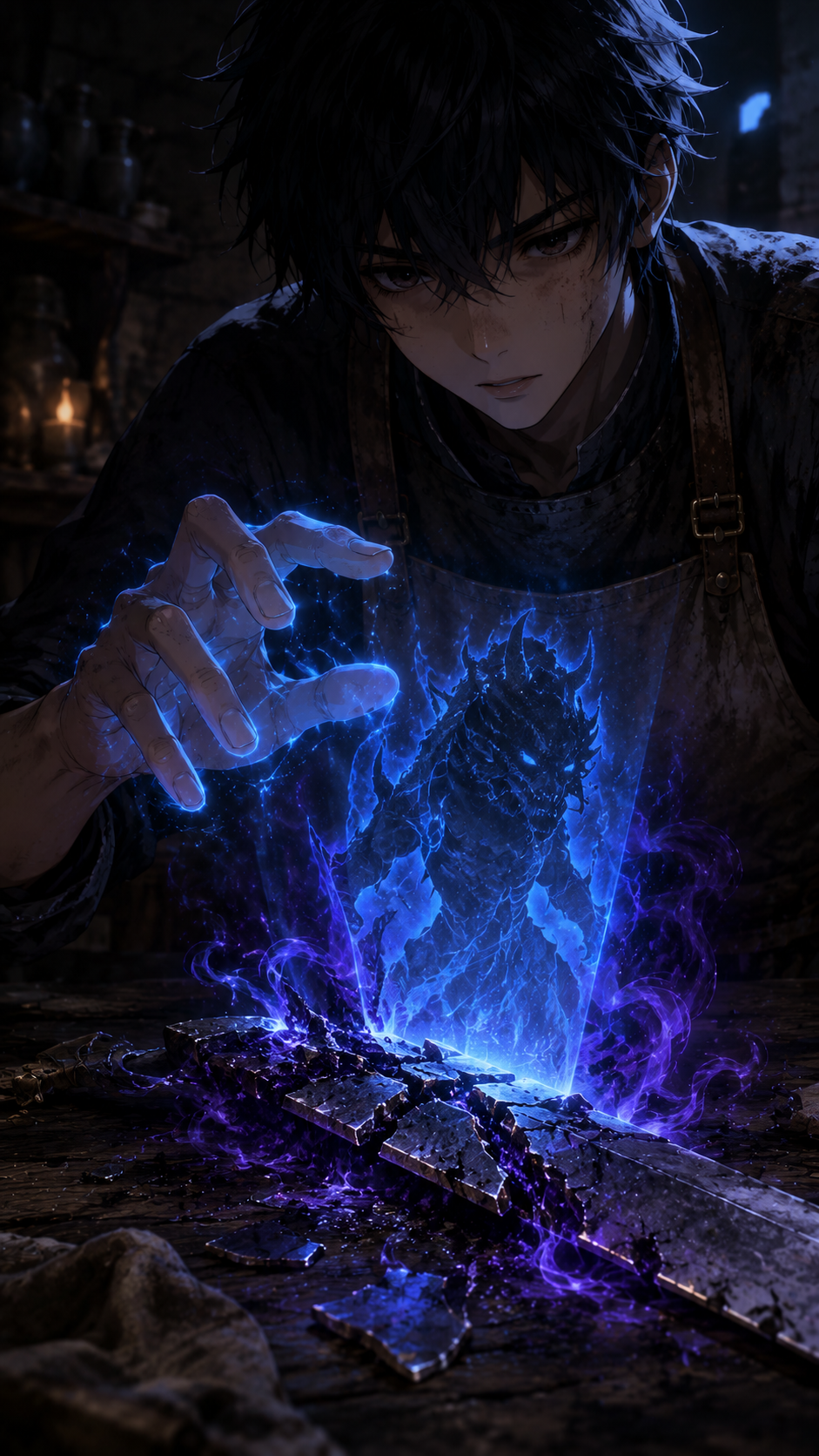
4. Ruined objects remember what destroyed them.
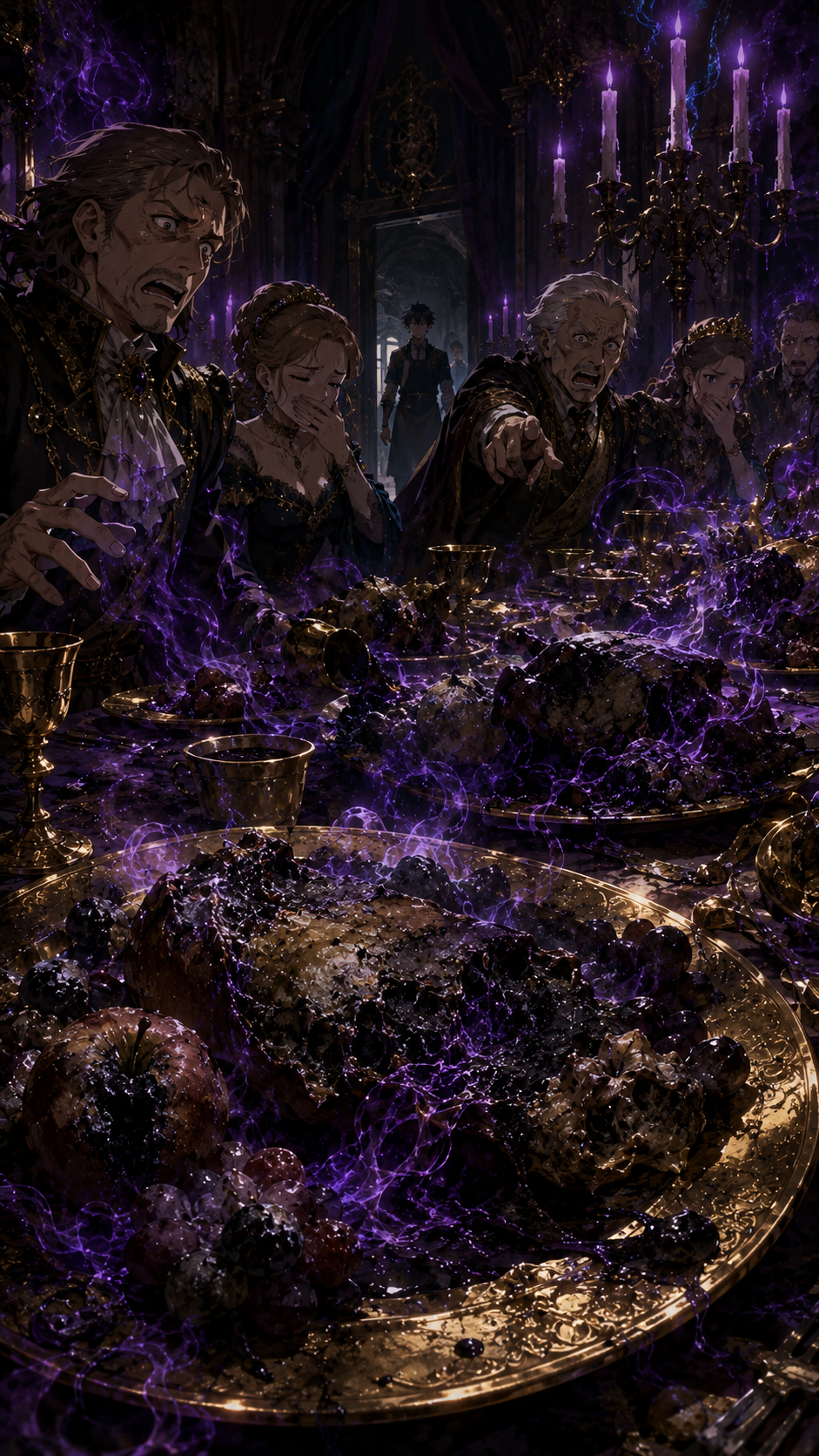
5. The royal banquet is infected.
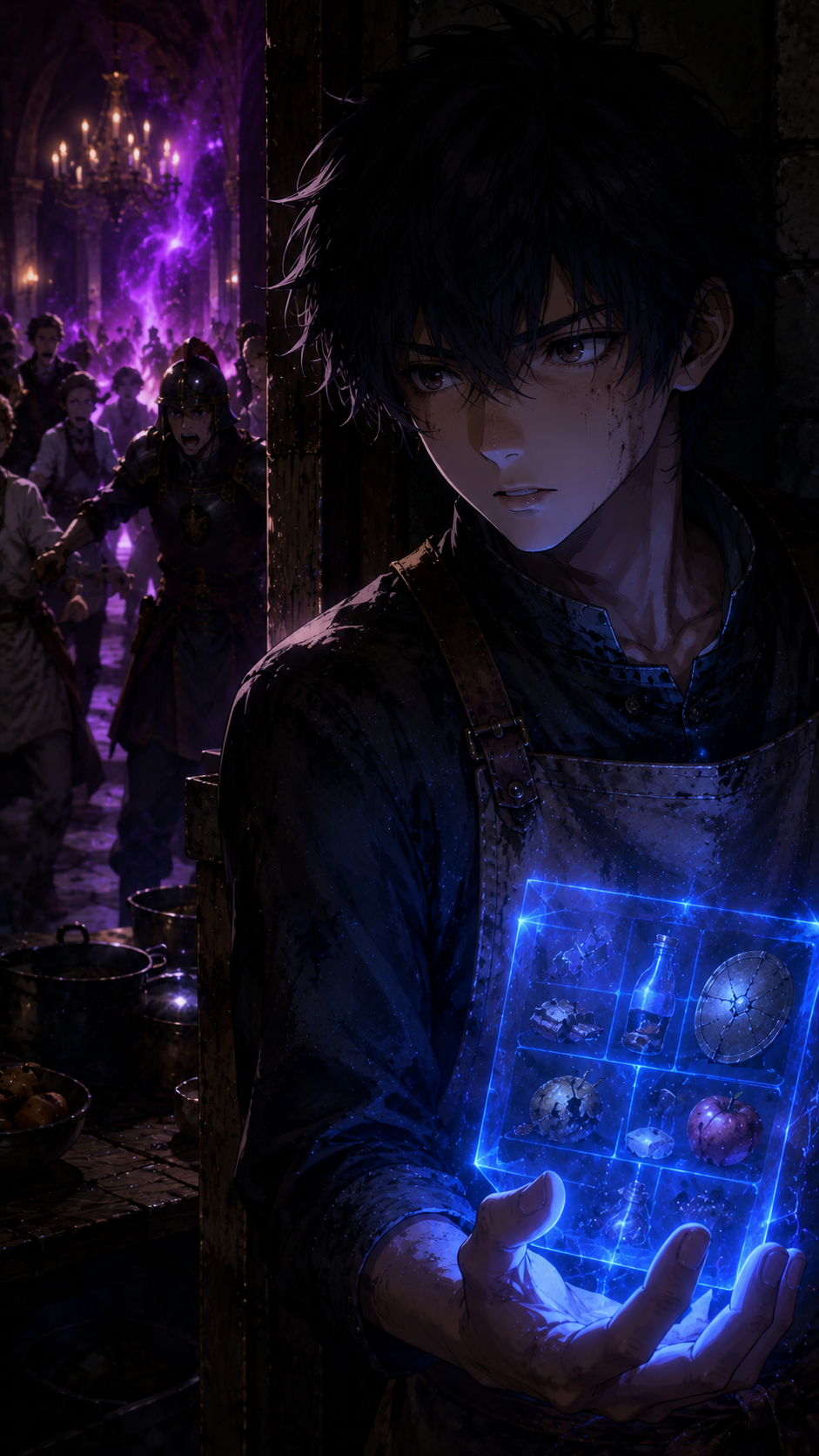
6. Fear turns into resolve.
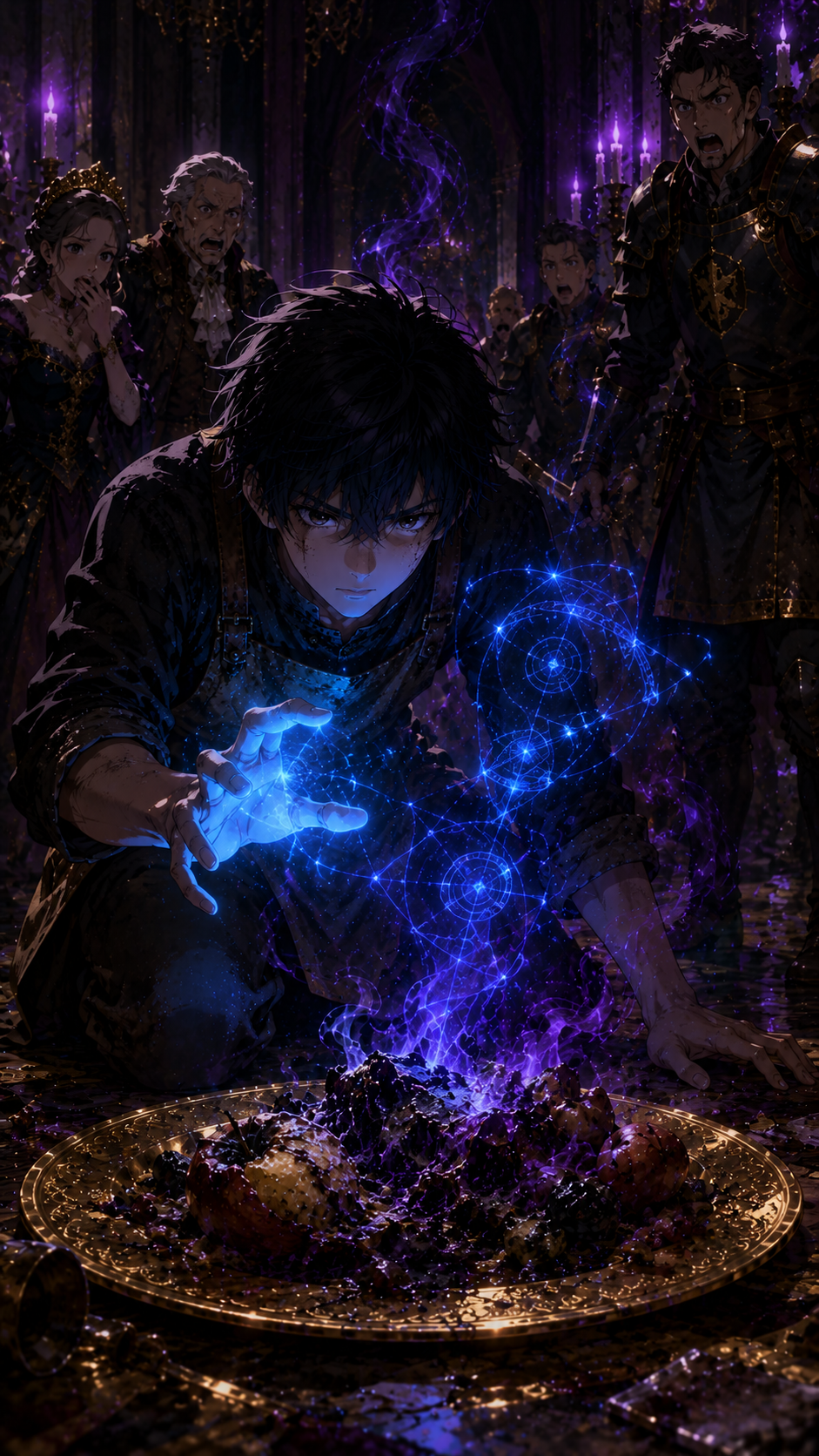
7. The hidden hero solves the curse.
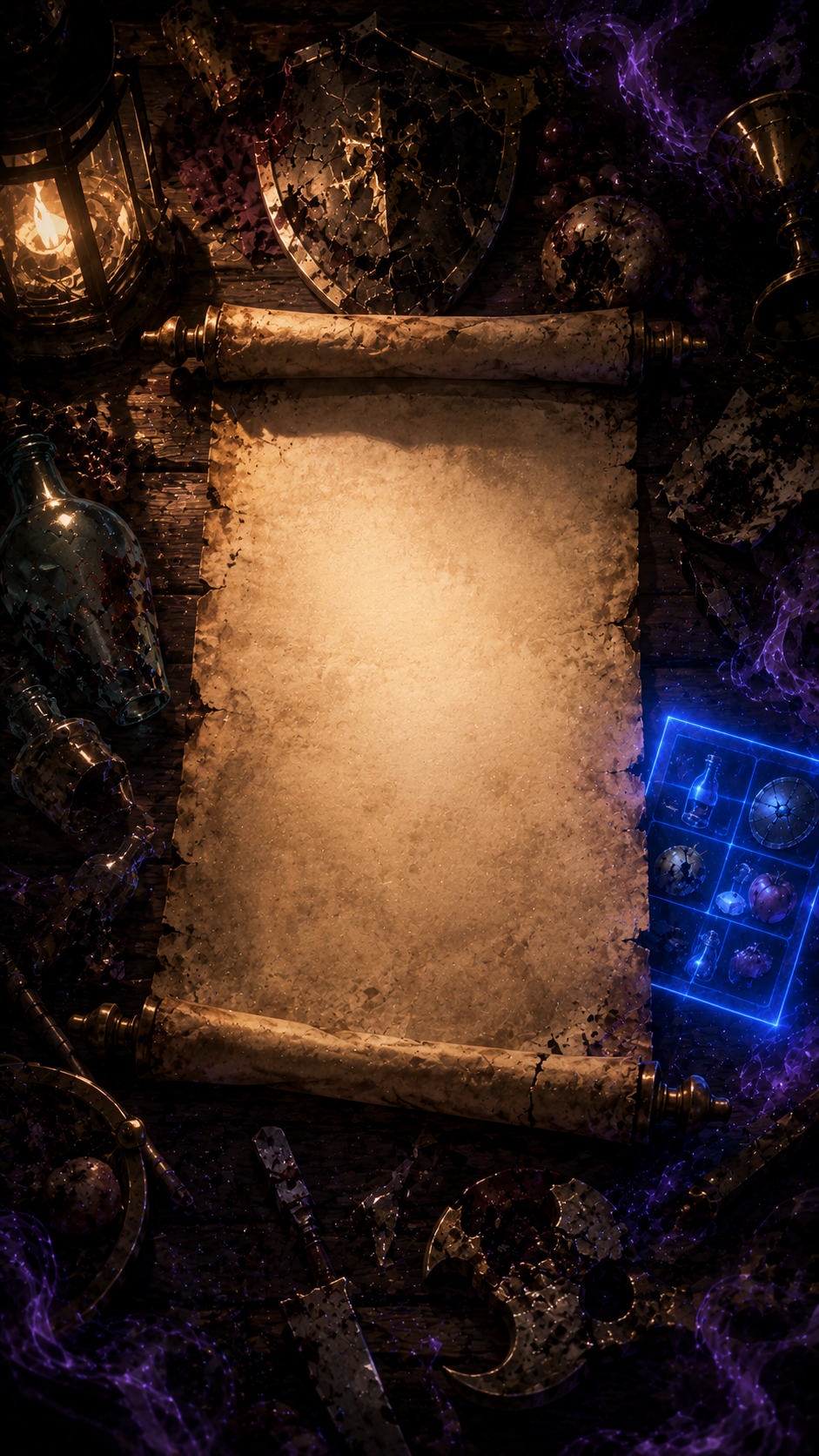
8. End card for the Isekai pack.
Short Video Formulas
Five ways to turn prompts into social videos
Use these as quick production recipes: start with a hook, create a few strong visuals, then end with a clear next step.

Identity Reveal Short
Hook: Everyone hunts the masked outlaw until the crown mark appears.
Visuals: Wanted poster, masked chase, close-up reveal, stunned royal court.
Use this for: secret heirs, masked heroes, double lives, and dramatic reveal scenes.
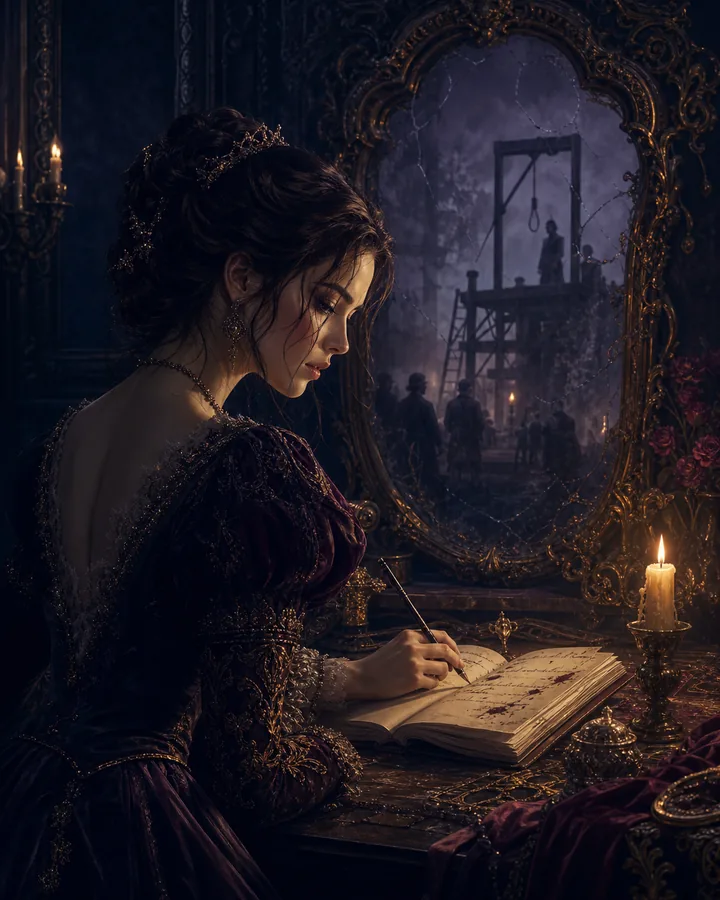
Second-Chance Countdown
Hook: She wakes ten years before her execution with a list of names.
Visuals: Execution memory, candlelit journal, enemy portrait, first quiet move.
Use this for: revenge arcs, timeline resets, betrayal stories, and quiet power moves.
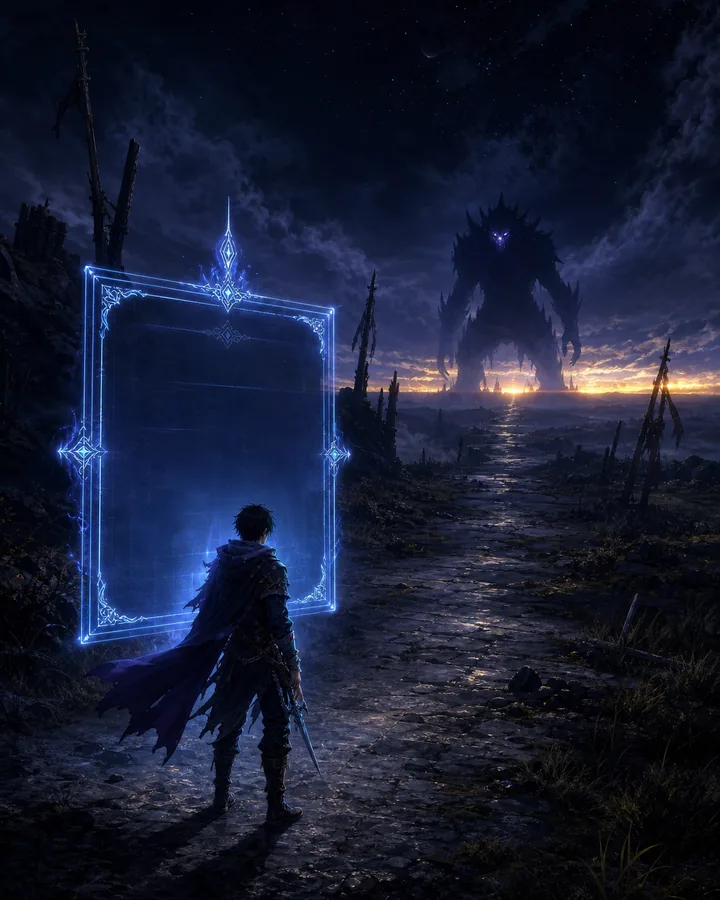
Survive Until Sunrise
Hook: A level-one hero receives one impossible quest.
Visuals: Blue system screen, empty road, monster silhouette, sunrise timer.
Use this for: LitRPG openings, progression hooks, survival quests, and skill awakenings.
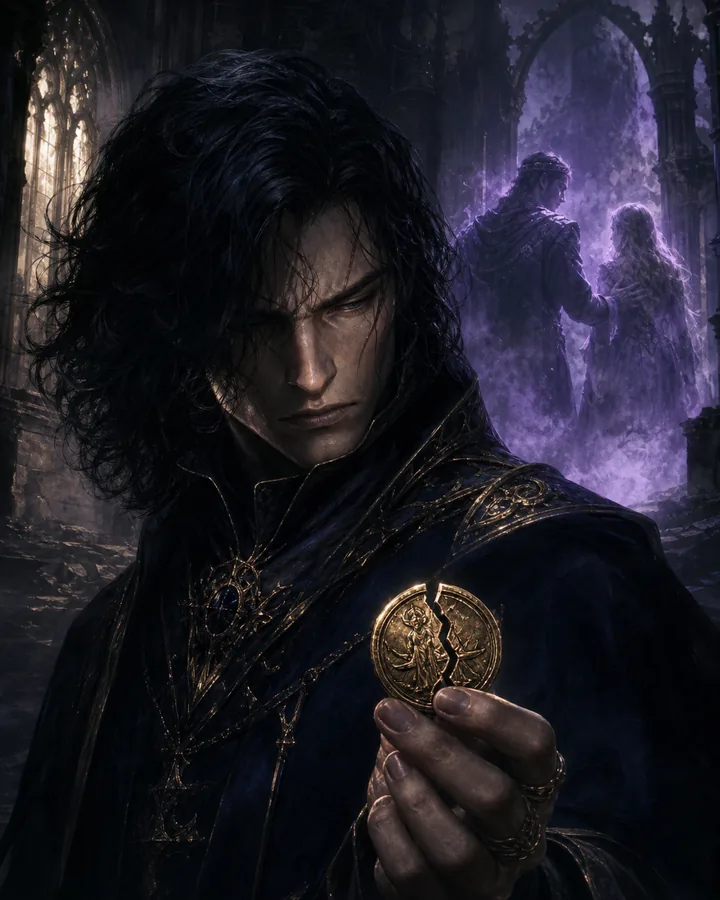
Villain Motive Reveal
Hook: The villain was cruel in public because mercy once destroyed them.
Visuals: Public threat, private memory, symbolic object, final choice.
Use this for: morally complex villains, tragic backstories, and stronger antagonist scenes.
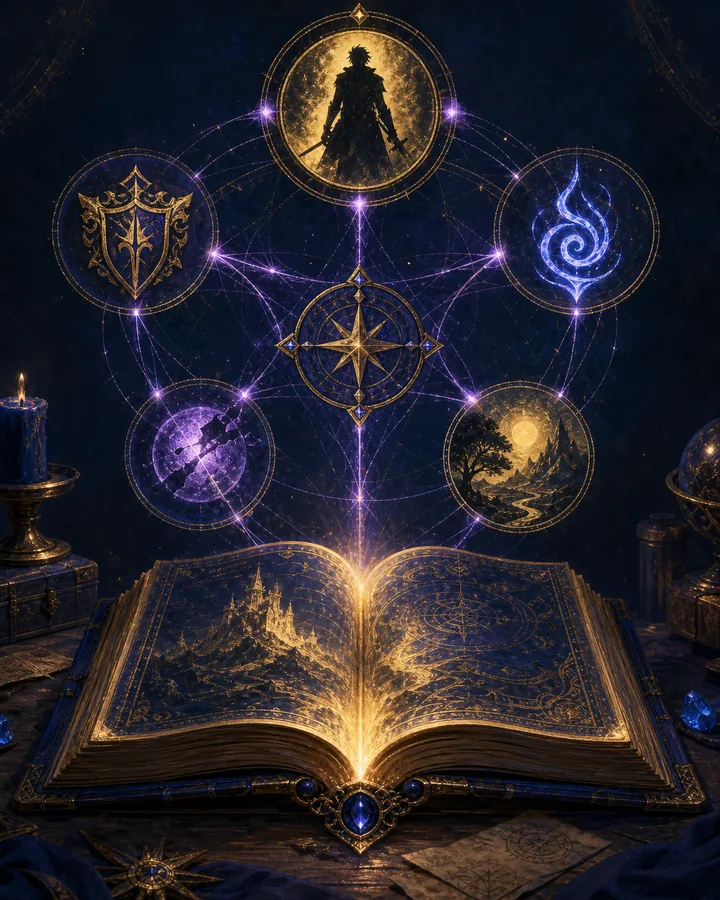
Story Bible Demo
Hook: One prompt becomes a character, power, faction, twist, and next scene.
Visuals: Prompt card, filled Bible fields, connected notes, final scene seed.
Use this for: keeping characters, powers, factions, and future scene ideas organized.
Creator Workflow
Prompt to short video
1. Write the Hook
Use Auraveil prompts to create the character, conflict, twist, and short narration structure.
2. Create Visuals
Turn the output into character art, scene images, thumbnail frames, and motion clips.
3. Add Voice
Record narration, captions, and final call-to-action text so the short gives viewers a clear next step.
4. Publish
Export vertical video for Reels, Shorts, TikTok, Pinterest, and the Auraveil website.
Creator Toolkit
Tools for making videos from prompts
Writing & Planning
ChatGPT, Claude, and Auraveil prompt packs can generate hooks, narration, scene beats, captions, and video descriptions.
Voiceover
ElevenLabs and Murf AI are strong fits for polished narration. Export the finished voice track, then import it into Pictory or CapCut.
Fast Assembly
Pictory is useful when the scenes are already organized. Add your voiceover, adjust timing, add captions, and export a first version.
Final Editing
CapCut is better for precise captions, music volume, transitions, beat timing, and final social polish.
Image & Motion
Leonardo, Runway, Pika, Kling, Canva, and similar tools can help create character images, motion clips, thumbnails, and ad creative.
Publishing
Use the final export for Instagram Reels, TikTok, YouTube Shorts, Pinterest, Facebook, and embedded videos on Auraveil.
Affiliate disclosure: some tool links may earn Auraveil Creative / CJMedia a commission at no extra cost to you.